Tommee Profitt x Maciel Audio
Make your mixes hit harder, sound bigger, and feel epic fast.
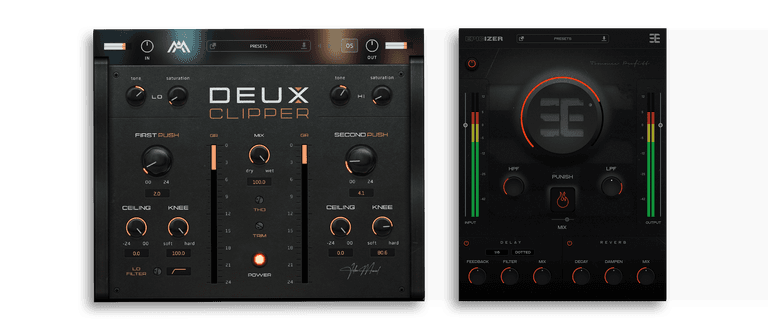
Get Deux Clipper + Epicizer together to make your mixes hit harder, sound bigger, and feel more epic without stacking a messy plugin chain.
$49
$148 Epicizer X Deux Clipper Bundle
One Plugin. One Massive Sound
Tommee Profitt, known for his powerful, genre-blending sound in film, TV, and chart hits, now brings you Epicizer, an intuitive plugin that puts his signature mixing style at your fingertips.
Sound Examples
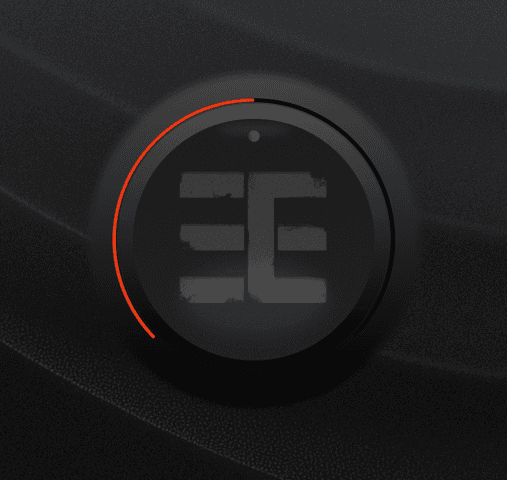
Simple, yet powerful
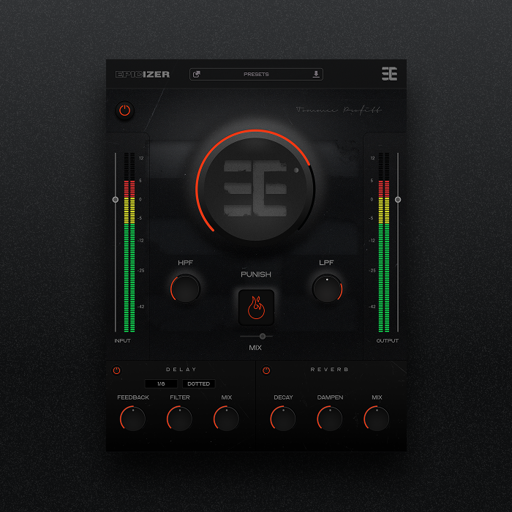
At the heart of Epicizer is the Epicizer knob, your one-stop solution for transforming any track. Under the hood, it combines precise EQ shaping, multi-stage compression, and rich saturation to bring instant clarity, punch, and polish to your sound.
Controlled Chaos
When your track needs serious attitude, hit the Punish button. This feature unleashes a powerful blend of distortion, tube saturation, and aggressive compression to push your sound to its limits. Use it subtly to add grit and warmth, or crank it for intense character and creative destruction. The built-in mix control lets you dial in just the right amount of chaos, making the Punish button your secret weapon for bold, in-your-face mixes.
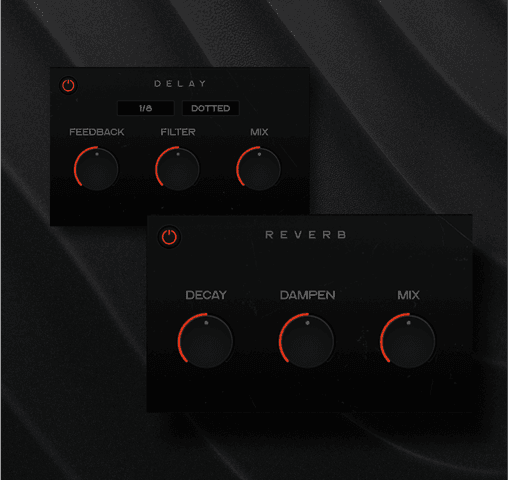
Depth and Dimension
Epicizer’s reverb and delay modules let you craft spacious environments that bring your mix to life. Add depth and movement all with intuitive controls that keep your creativity flowing.
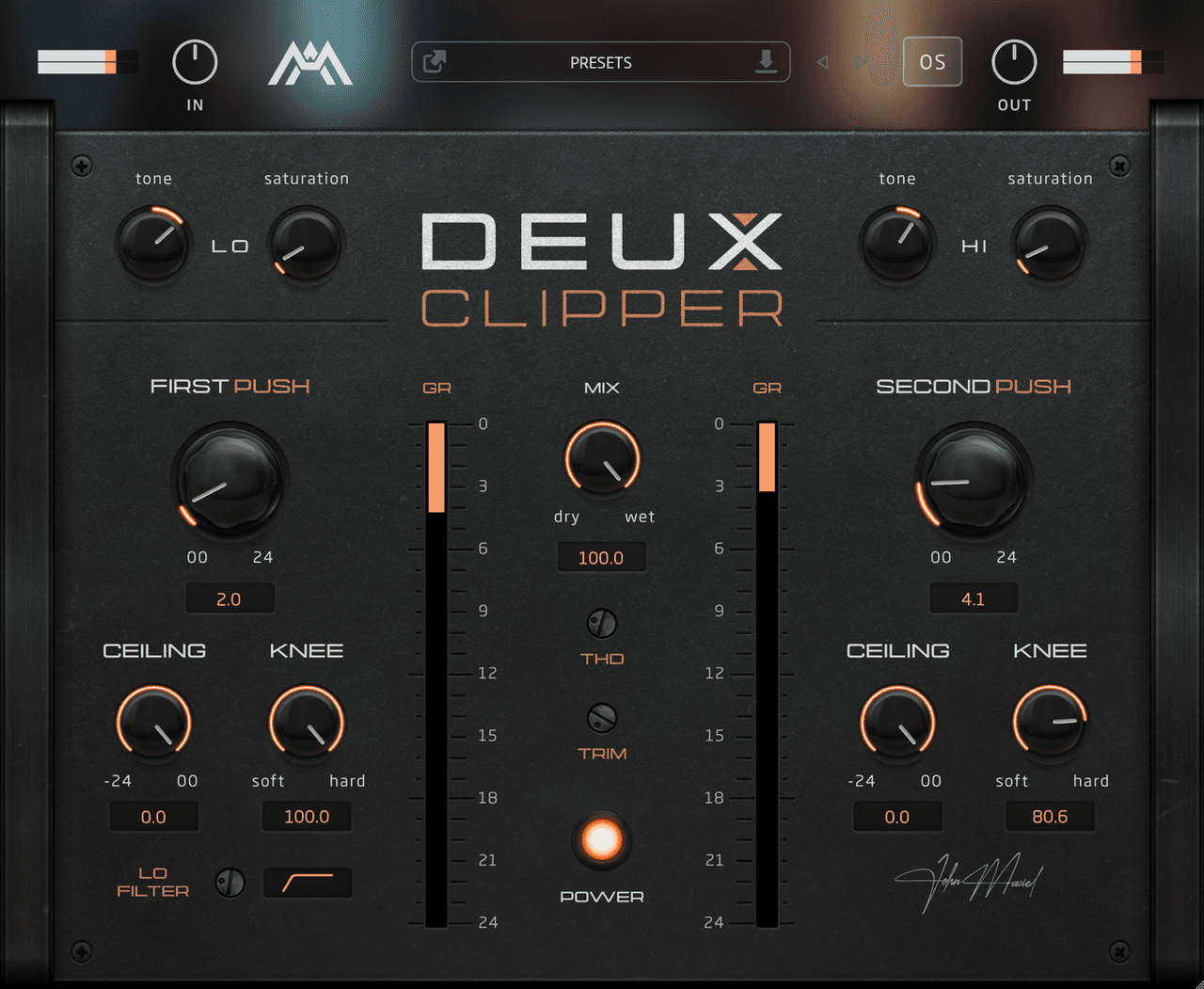
Deux Clipper
Make your mix louder, punchier, and more competitive with one simple tool.
Deux Clipper packs the old-school tricks engineers have used for years into one streamlined tool, so you can get more forwardness, body, and perceived aggression fast.
Sound Examples
The Fastest Way to More Punch and Loudness
Five ways Deux Clipper turns flat, boring productions into loud, forward, competitive records without the usual plugin pileup.
Turn flat, polite drums into loud, forward, record-ready impact without building a messy chain of clippers, saturators, and routing tricks. Catch sharp peaks, thicken the body, and push more punch through your mix in one move using the same dual-stage clipping approach pros use to squeeze out competitive loudness. Lock onto the low-end and top-end sweet spots that make kicks feel bigger and snares crack harder then feed them harmonics until the whole track feels more aggressive. Add the subtle heat, body, and clarity of driven analog signal paths without harsh EQ boosts, brittle clipping, or the usual “why did my mix fall apart?” moment. Go from plugin-stacking and second-guessing to fast, confident decisions in a single window and get the sound of a full punch-shaping chain without the workflow drag.
Sound Examples
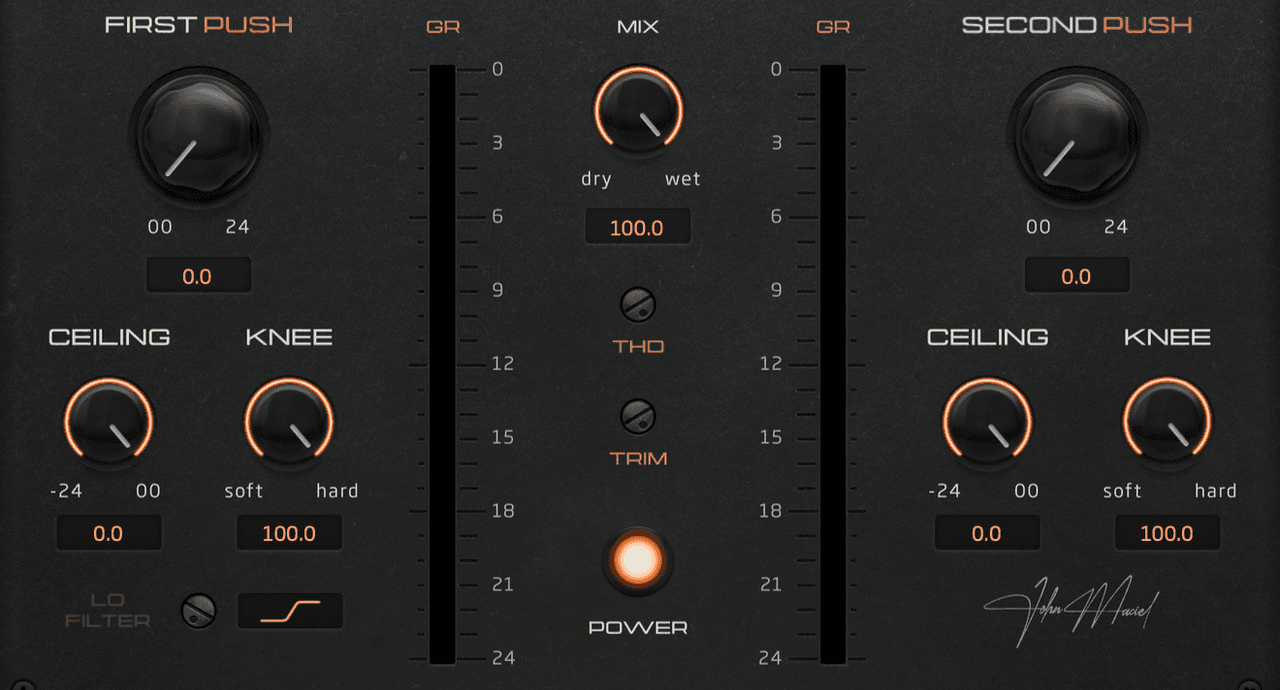
Why One Clipper Isn’t Enough Anymore
The old one-clipper approach can only take you so far. Today’s productions demand more control, more punch, and a smarter way to shape loudness.
Clipping has been one of the secret weapons pro engineers have used for decades to make tracks hit harder, feel louder, and cut through with more punch. But today’s productions are denser, more aggressive, and more competitive than ever — and a single clipper often isn’t enough to get the job done.
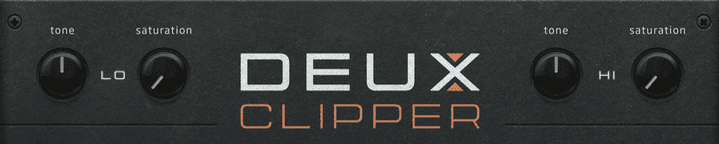
Add Harmonic Weight Where It Matters Most
Inspired by old-school analog tricks redesigned to inject punch, body, and snap into your signal before clipping even begins.
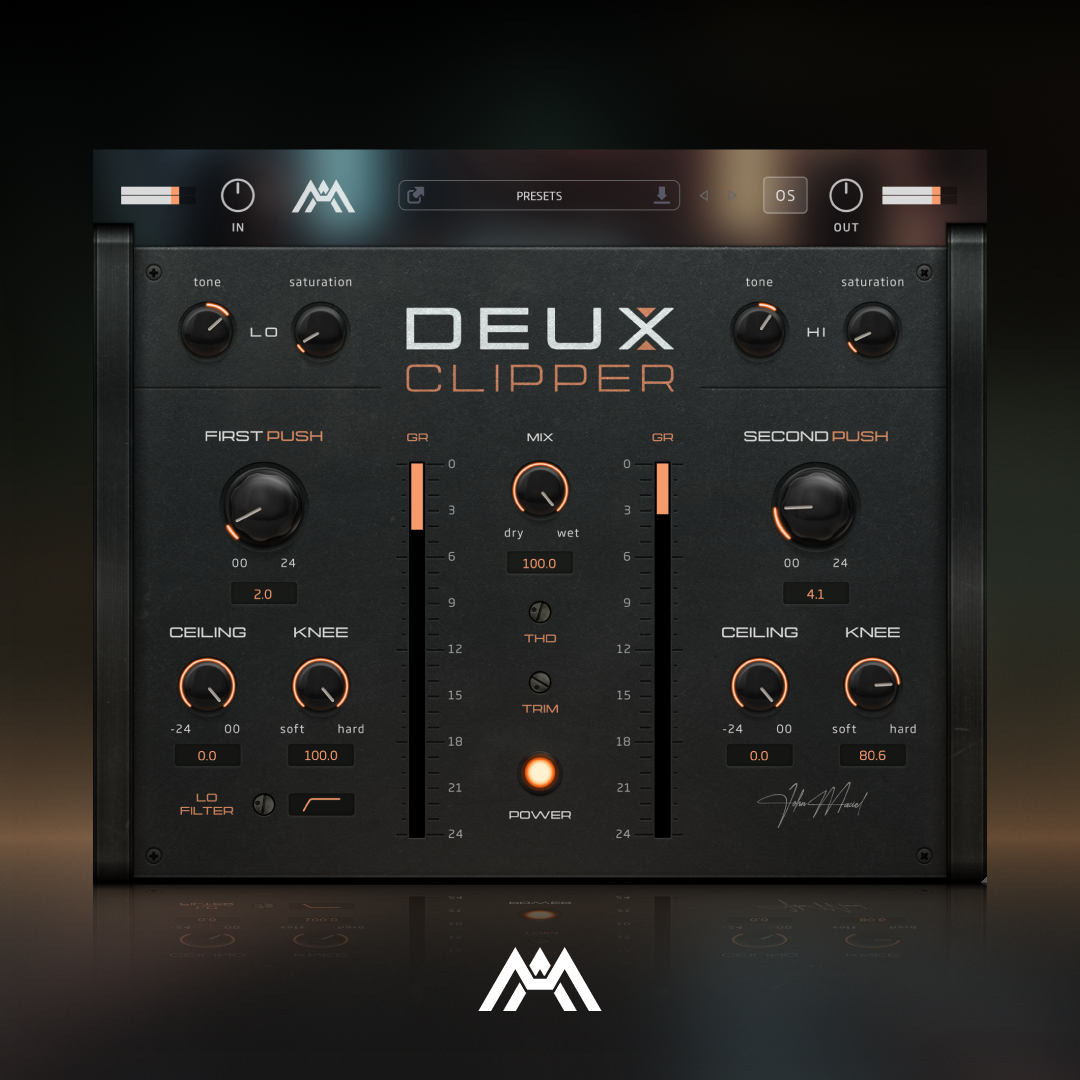
For decades, pro engineers have used a subtle analog trick to make tracks feel bigger, richer, and more alive before they ever hit the console. By bypassing the EQ or compression section on certain pieces of hardware and simply driving the analog circuit itself, they could introduce broadband harmonics that added body, clarity, and attitude to the signal. When you combine that old-school trick with modern clipping, it gives engineers an unfair edge in cheating more perceived loudness, punch, and forward aggression out of a track. Deux Clipper brings that into a modern workflow with independent Low and High saturation sections that let you drive extra harmonic distortion into the fundamental zones that matter most before the signal reaches the first clipper stage. Add more low-end weight and impact by feeding the low fundamental, or bring out more snap and bite by exciting the high fundamental. The result is a signal that already feels thicker, punchier, and more energized before clipping even begins.
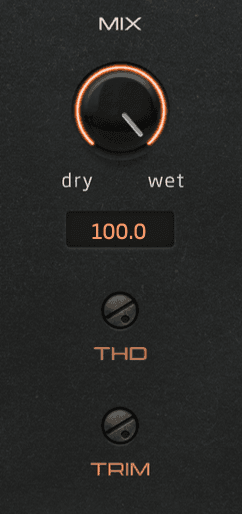
Push More Harmonics Without Overcooking Your Tracks
Dial back the harmonic intensity when saturation starts getting too aggressive, or bypass the circuit completely for cleaner control.
Sometimes saturation gives you the exact weight, bite, and attitude you want. And sometimes… it gets a little too cooked. That’s why Duex Clipper includes THD Control for both the Lo and Hi saturation sections. It lets you reduce the amount of harmonic distortion being added, so you can keep the punch and energy without pushing the source into harshness or overcooked grit. Click the THD title to bypass the saturation circuit completely, giving you even more control over how much harmonic color is actually being added.
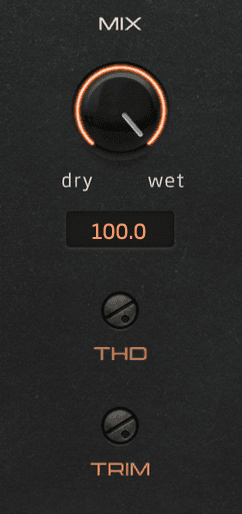
Keep the Harmonic Tone Without Overbaking It
Fine-tune how hard the saturation stages react while keeping the low-end weight and high-end snap you already dialed in.
Once you find the sweet spot in the harmonic shaping section, you don’t always want to completely change the tone. Sometimes you just want the saturation to react a little less aggressively. The new Trim Control lets you reduce the amount of gain feeding into the saturation circuits, making it easier to keep the same tonal balance while controlling how hard the harmonics push back. So instead of constantly reworking your settings, you can quickly dial in the perfect balance between punch, body, and control.
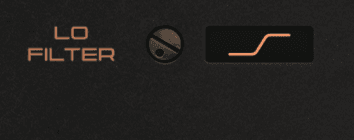
Get Tighter Low End Before the Clipping Even Starts
Control how much low-frequency energy reaches the clipping stages to keep kicks, bass, and full mixes punchy without falling apart.
Too much low end feeding into a clipper can quickly turn punch into mud, distortion, or smeared transients. That’s why Duex Clipper includes a dedicated Lo Filter positioned after the saturation circuit and before the first clipping stage. With both Lo Shelf and Lo Pass options, you can shape how much low-end energy actually reaches the clipper. This helps keep your low end tighter, cleaner, and more controlled while still letting you push for more aggression and perceived loudness.
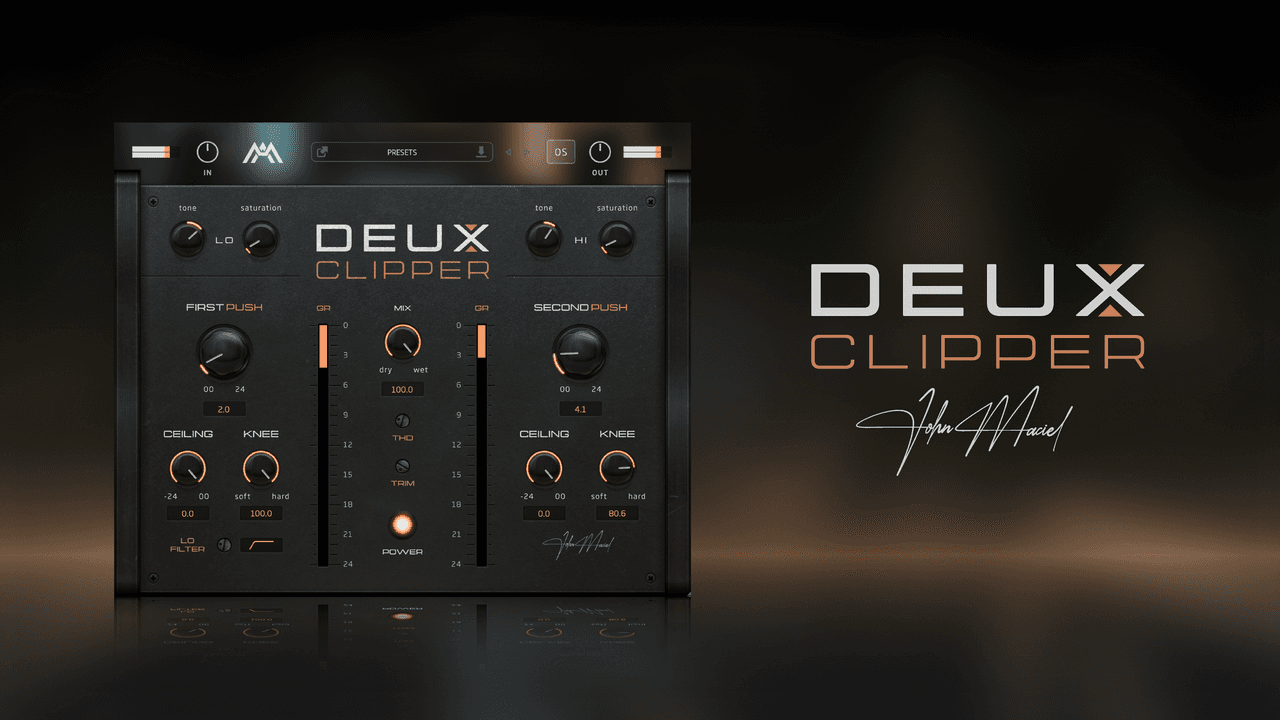
Whether you’re working on kicks, snares, guitars, drum buses, or full mixes, Deux Clipper gives you a modern way to get the punch and loudness of a complex chain in one simple tool.
demo'd instant buy, this thing is FIRE, great plug in and idea thanks man ;)
YouTube Commenter
 $49 USD
 $20 USD
AAX, AU, VST3 versions
64-bit only
Ableton Live 11+ (Mac & PC: AU, VST3)
Bitwig 4+ (Mac & PC: AU, VST3)
Cubase 13+ (Mac & PC: VST3)
Digital Performer 11+ (Mac & PC: AU, VST3)
FL Studio 23+ (Mac & PC: VST3)
Garageband 10+ (AU)
Logic Pro 10+ (AU)
Pro Tools 12+ (Mac & PC: AAX)
Presonus Studio One 5+ (Mac & PC: AU, VST3)
Reaper 6+ (Mac & PC: VST3)
Cakewalk Next by BandLab (PC: VST3)
AAX is a trademark and software of Avid Technology. Audio Units is a trademark and software of Apple Inc. VST3 is a trademark and software of Steinberg Media Technologies GmbH.
AAX, VST3, AU versions included
64-bit only (Mac / PC)
Mac OS X 10.15 or higher (Intel native | ARM native)
Windows 10
At least 4GB of RAM, 16GB is recommended
At least 200MB of free drive space (OS drive)