Very good
I like it because it helps me identify where I need to boost or cut the EQ. It would be good to have something for compression.
Translated from Spanish.
Edwin
Mixing Cheat Sheet
Mixing Cheat Sheet is a free plugin that helps you hear what to listen for while mixing.
Mixing Cheat Sheet is a free plugin that helps you hear what to listen for while mixing.
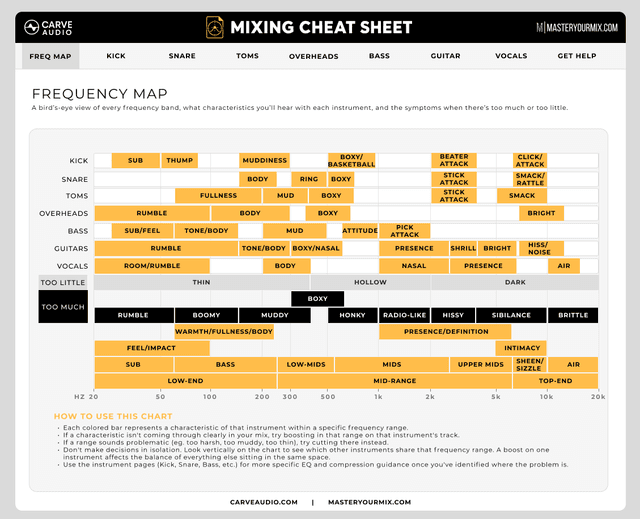
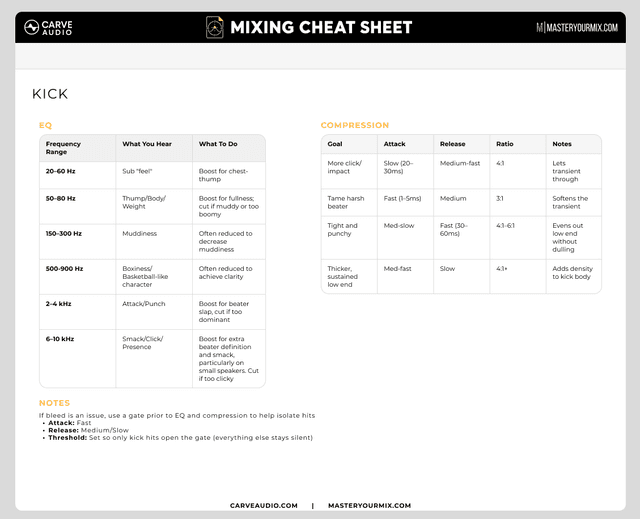
Mixing Cheat Sheet is a free plugin for your DAW that helps you identify important frequency ranges, solo them, and hear what they actually sound like so you can make better EQ and compression decisions with more confidence.
$0
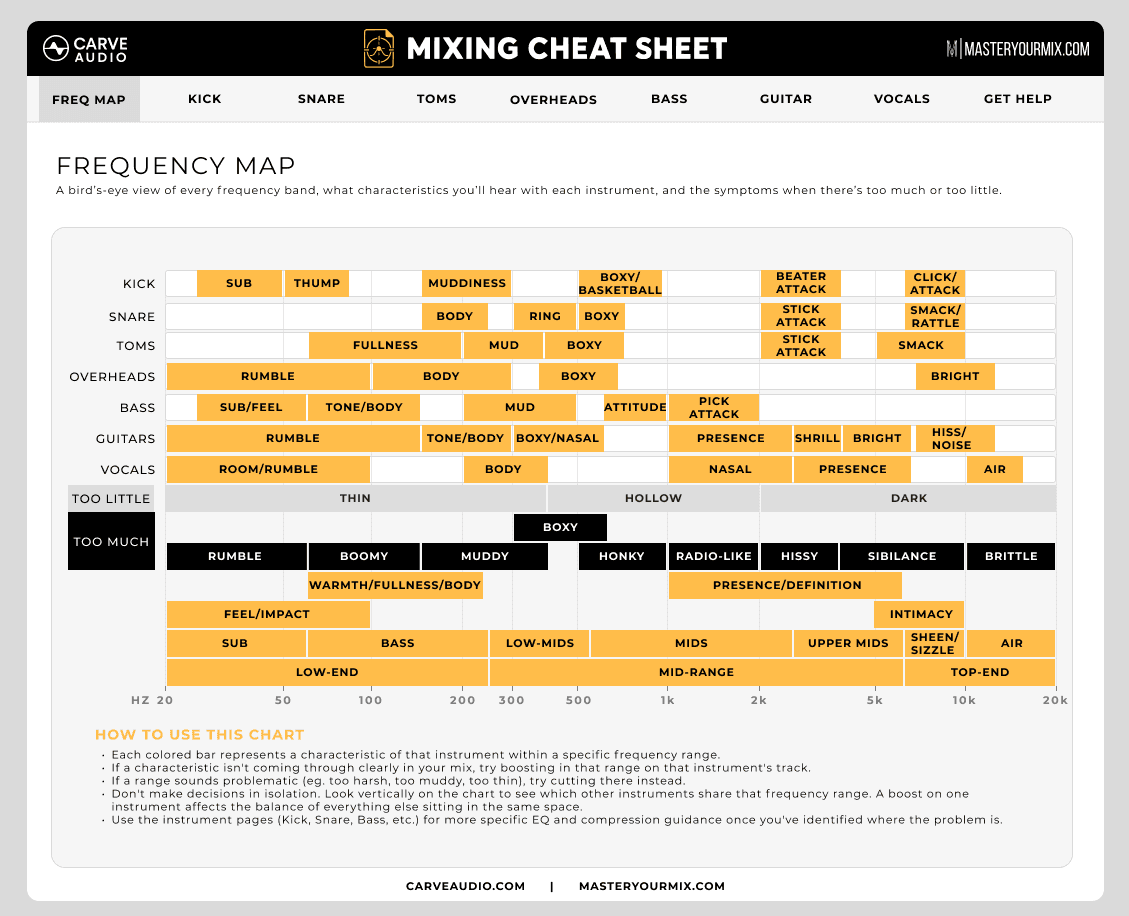
Mixing Cheat Sheet is a free plugin for your DAW that helps you identify important frequency ranges, hear what they sound like, and make better EQ and compression decisions with more confidence. Most mixing cheat sheets tell you what frequencies to pay attention to. But knowing the numbers is only useful if you know what they actually sound like. That’s where Mixing Cheat Sheet helps. Use the main Frequency Map to get a high-level overview of the key frequency ranges and characteristics you’ll hear across a full mix and individual instruments. Click a frequency range to solo it, hear what that part of the sound is doing, then return to the full mix with your ear more focused on that area. You can also jump into individual instrument pages for more detailed guidance on EQ decisions, compression ideas, and other mix tips. This isn’t a rulebook. It won’t tell you to always cut this or always boost that. Instead, it helps you understand what you’re hearing so you can make better decisions for the song in front of you.
• Identify important frequency ranges faster • Hear what terms like mud, body, bite, fizz, presence, and air actually sound like • Solo frequency ranges to train your ears • Make better EQ and compression decisions • Understand what to listen for when something feels off • Build more confidence while mixing
• Main Frequency Map for quick mix-wide guidance • Frequency solo mode for ear training • Individual instrument pages • EQ guidance • Compression ideas • Practical mix tips • Simple in-DAW workflow
Mixing Cheat Sheet is made for home-studio musicians, producers, and engineers who want to make better mix decisions without constantly guessing what to adjust. If you’ve ever thought: • “The vocal feels dull, but I’m not sure why.” • “The guitars sound fizzy.” • “The bass feels boomy.” • “The snare needs more snap.” • “I know something is wrong, but I don’t know what to change.” This plugin was made to help.
Download Mixing Cheat Sheet free and keep it open while you mix.
AAX, AU, VST3 versions
64-bit only
Ableton Live 11+ (Mac & PC: AU, VST3)
Bitwig 4+ (Mac & PC: AU, VST3)
Cubase 13+ (Mac & PC: VST3)
Digital Performer 11+ (Mac & PC: AU, VST3)
FL Studio 23+ (Mac & PC: VST3)
Garageband 10+ (AU)
Logic Pro 10+ (AU)
Pro Tools 12+ (Mac & PC: AAX)
Presonus Studio One 5+ / Fender Studio (Mac & PC: AU, VST3)
Reaper 6+ (Mac & PC: VST3)
Cakewalk Next by BandLab (PC: VST3)
AAX is a trademark and software of Avid Technology. Audio Units is a trademark and software of Apple Inc. VST3 is a trademark and software of Steinberg Media Technologies GmbH.
AAX, VST3, AU versions included
64-bit only (Mac / PC)
Mac OS X 10.15 or higher (Intel native | ARM native)
Windows 10
At least 4GB of RAM, 16GB is recommended
At least 200MB of free drive space (OS drive)
Own this product? Sign in to write a review
5.0 of 5
3 ratings
I like it because it helps me identify where I need to boost or cut the EQ. It would be good to have something for compression.
Translated from Spanish.
Edwin
Simply a super useful tool.
Translated from Portuguese.
Ivan Ferry
The quickest way I know to zoom in on all the problem frequency areas in a mix. Very efficient to select an area like "muddiness" and then adjust the eq on the kick, bass, guitars, etc. You can hear how it cleans it up and then quickly change over to another problem area like "sibilance". It also really helped to further train my ears on those problem frequencies.
Liam Fitzgerald
by Carve Audio
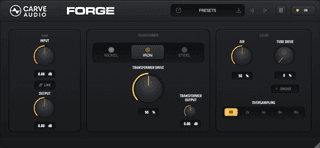
Forge is a transformer-inspired tone shaper that adds subtle warmth, density, and character to your tracks.
by Carve Audio
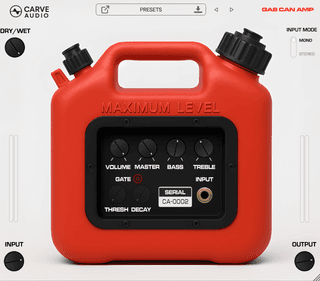
Inspired by the rare, mythical little amp that helped shape the first Foo Fighters record, the Gas Can Amp delivers raw, buzzing character that adds instant fuel to your tracks. From guitars to vocals, it adds overdriven bite, fizzy texture, and just the right amount of chaos to make parts stand out in a mix.
by Carve Audio
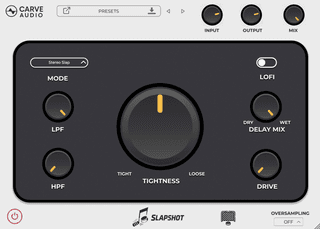
Slapshot is a slap delay designed to add instant depth, width, and character, without the mud that often comes with reverb. With built-in processing under the hood, it keeps the effect clean, controlled, and easy to blend, making your tracks sound polished in seconds.
by Carve Audio
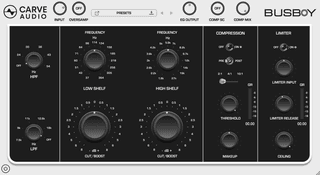
Busboy was designed to serve your mix. It pairs rich, musical high and low shelves with precise high- and low-pass filters, then brings everything together with smooth compression and a final limiter for clean peak control and a polished, finished sound.
by Audio Issues
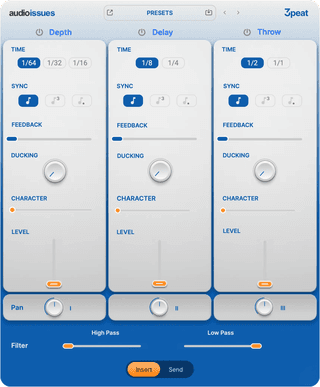
Threepeat helps you create depth, rhythm, and atmosphere with three delay engines built for creativity. Whether you need stereo depth, rhythmic repeats, or lush echoes, Threepeat makes delay fun, fast, and musical again. No convoluted routing. No confusing modulation. Just instant results—whether you’re working on your first demo or your next release.
by Styx Audio
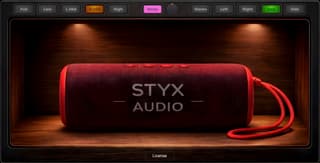
A fast mix translation checker that helps you hear balance problems in seconds. Check vocals, kick, bass, snare, and hooks through a virtual Bluetooth speaker and pink noise test — without pairing a real speaker or leaving your DAW.

by Raytown Productions
Dial in subtle texture to full-on gritty radio sounds in seconds with Lo-Fi. Add vinyl crackle sounds and shape the tone using analog-emulated distortion and an adjustable resonance filter. Perfect for adding vibe a to loops, samples, vocals, and guitars.
by Tokyo Speirs
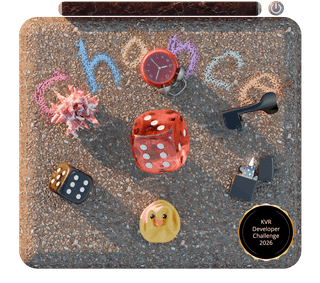
Roll the dice: pick your mix of delay, modulation, reverb, and pitch effects. Then, squeeze it all together with multiband compression!