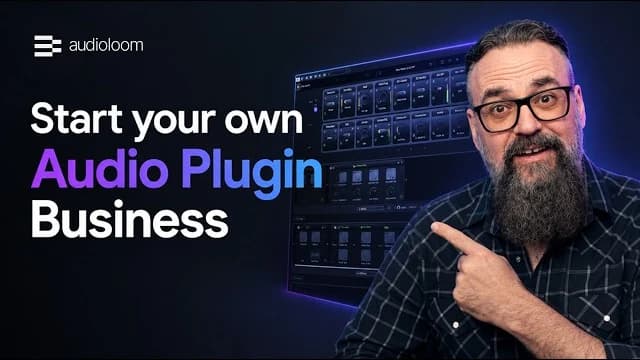
Everything in one place
Build, test, sell and manage your plugins from one platform, with everything you need from creation to checkout and payouts.
Looking for the best way to start your plugin business? This overview compares the leading plugin builders, shows how they differ and lists the questions to ask yourself, so you can choose the platform that fits your goals best.
Last updated:
| Features | AudioloomRequest access | Romplur Compare Romplur | HISE Compare HISE |
|---|---|---|---|
Pricing and revenue | |||
| Upfront cost | $0 | $149 one-time | Free under GPL v3, or from €200 for a commercial license ¹Free (GPL) or €200+ ¹ |
| Ongoing costs | None besides the revenue shareRevenue share only | None listed | None under GPL v3. Commercial license: €50 or €300 per month, by revenue ¹From €50/mo ¹ |
| Revenue share on sales | 30% of net turnover on plugins30% of net turnover | None | None |
| Payments and tax compliance | 5 to 9%, by payment method and currency5 to 9% | Not supported | Not supported |
| Who can start | Curated access | Anyone | Anyone |
Building your plugin | |||
| Use without programming knowledge | Yes | Yes | No |
| Build and test inside your DAW | Yes | NoSeparate desktop appDesktop app | NoOwn editor |
| Effect plugins | Yes | YesFX plugin mode since v2.5.4Via FX mode | Yes |
| Instruments and sample players | Coming soonComing soon | Yes | Yes |
| Scripting | Yes | No | YesJavaScript-based |
| Import your own DSP codeDSP (digital signal processing) is the code that processes audio. | YesDedicated module | No | YesC++ and Scriptnode |
| Cloud CollaborationInvite your team and assign roles with dedicated rights, such as designer, DSP or marketing, so everyone works on the same plugin. | YesCloud Sync | No | No |
| Active creator communityCreators on Discord and in forums share tips and tricks and help each other out. | Yes | No | Yes |
Formats and platforms | |||
| VST3 and AU export | Yes | Yes | Yes |
| AAX export for Pro ToolsAAX is the plugin format Pro Tools loads. | Yes | No | Yes |
| macOS and Windows | Yes | Yes | Yes |
| Linux | No | No | Yes |
Selling and distribution | |||
| Sell through your own website | Yes | Yes | Yes |
| Store and checkout included | Yes | No | No |
| Marketplace for additional reach | Yes70,000+ customers | No | No |
| Sell other digital products in the store | YesFlat 3% fee | No | No |
| Regular promotions to buyers | YesWeekly newsletters, sales events like Black FridayNewsletters, sales events | No | No |
| Customer service for your buyers | Yes | No | No |
| Build, sell and manage on one platform | Yes | No | No |
Licensing and protection | |||
| Licensing for your customers included | Yes | NoPlugin.club client since v2.5.4, terms not publishedVia Plugin.club | No |
| Anti-piracy takedowns handled | Yes | NoEncryption of exported plugins, no takedown serviceEncryption only | No |
| Hosting and updates included | Yes | NoYou host and ship the installersSelf-hosted | NoYou host and update it yourselfSelf-hosted |
Support | |||
| 24/7 support from the team | Yes24/7 | NoHelp for install, license and build questions, no hours statedBasic help | NoCommunity forum |
This table doesn't show everything each provider offers. Please visit the provider's website for the full product and current terms.
¹ HISE: GPL v3 means your plugin's source code must be released as open source. To keep it private you need the commercial license (Starter Pack €200 one-time, covers up to €2,000 in total revenue, then €50 or €300 per month by revenue) and a separate commercial JUCE license. Prices exclude VAT.
A No means the feature isn't offered or isn't documented on the provider's public pages. Audioloom: October 2026. Romplur: October 2026. HISE: October 2026.
Audioloom: audioloom.com, October 2026
Romplur (as of October 2026): getromplur.com, getromplur.com/masterclass/changelog, romplur.com/pages/pricing-plans, romplur.com/pages/news
HISE (as of October 2026): hise.dev/#license, store.hise.dev/hise/hise-license/, hise.dev/#features, docs.hise.dev

Not sure which one fits your plugin idea?
Get to know everything Audioloom offers, from building your plugin to checkout, licensing and distribution, so you can bring your idea to life and get it to your customers in one place.
Learn more about AudioloomBuild, test, sell and manage your plugins from one platform, with everything you need from creation to checkout and payouts.
Go from your first idea to a finished plugin in the store in as little as two weeks. Most creators launch within four to six weeks.
Focus on your sound, design and UI. We take care of hosting, licensing, payments, taxes, updates and customer support.
Creators Building with Audioloom
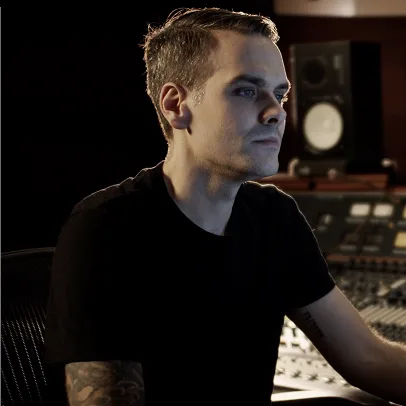
“Audioloom is a total game changer. I can go from plugin idea to working prototype in a matter of hours”
Open-source developer toolkit
A free, JUCE-based framework for building instruments and effects with C++, a JS-derived scripting language and a visual DSP graph editor.
Audioloom vs. HISE comparedNo-code sample instrument builder
A desktop app for turning your own samples into playable VST/AU instruments. Recent versions add an FX plugin mode.
Audioloom vs. Romplur comparedPluginmaker.ai
Coming soonImagine Plugins
Coming soonKODA Sampler
Coming soonJUCE
Coming soonHow much code a plugin builder asks of you decides who can use it. No-code tools need no programming at all, others expect scripting or C++, and some let you add code later when you want more control. The workflow matters as much. You can build inside your DAW and hear every change against your own mix, or work in a separate app and load the finished plugin into your DAW afterwards. Both choices set how fast you reach a first working version, and how much of your time goes into learning the tool instead of shaping the sound.
Questions to ask
Effects process the audio that runs through them, like compressors, EQs and saturators. Instruments make sound, from samples or a synth engine. They need different features: an instrument needs sample mapping, key ranges and velocity layers, an effect needs processing modules and signal routing. Decide which type you want to release before you pick a tool. Not every plugin builder covers both, and a switch later means rebuilding your plugin.
Questions to ask
A plugin only runs in a DAW that loads its format. VST3 and AU cover most DAWs, and Pro Tools loads only AAX. The operating system matters too: customers use macOS, Windows or Linux, and each needs its own build and installer. Check which DAWs your buyers use before you choose a tool. Every missing format is a group of buyers you can’t sell to.
Questions to ask
A finished plugin earns nothing until people can buy it. That takes a shop, a checkout, invoicing and tax handling, and someone has to bring buyers to it. Some builders include a store and a marketplace with an audience, others leave all of that to you. The more you run yourself, the more control you have and the more time goes into selling instead of making plugins. Ask also who answers your buyers’ support questions, and whether you can sell other digital products, such as sample packs, next to your plugin.
Questions to ask
A paid plugin needs a way to check that the buyer holds a license, usually a key or an activation. Without it, one purchase can become many free copies. Protection also covers what happens after a leak: someone has to find cracked copies and have them taken down. Find out whether licensing and anti-piracy come with the tool or whether you set up and run them yourself. Running them yourself adds cost and work.
Questions to ask
Plugin builders charge in different ways: a one-time price, a license fee, a monthly fee, a share of your sales, or a mix. A low price at the start can cost more once sales grow, and a revenue share costs nothing until you sell. Work out the total at the sales volume you expect, and add the costs around it: payments, shop, hosting and licensing.
Questions to ask
Building a plugin raises questions, and some projects need more than one person: a designer, a DSP engineer or a co-creator. Check where you get help when you’re stuck, at what hours, and whether other creators can answer questions. If you work with others, find out how a project is shared. Some tools are built for one person, others support shared projects.
Questions to ask
After launch, buyers need a place to download your plugin, and you need a way to ship fixes and new versions. That takes hosting, installers and updates, and someone has to run them. Ownership matters as much: ask who owns your brand, your products and your customer data, and what you need to keep selling your plugin if you stop using the tool.
Questions to ask
A plugin builder is software for creating audio plugins in the formats DAWs load, such as VST3, AU and AAX, without writing a plugin from scratch. Some builders need no code, others are frameworks for programmers. Audioloom is a no-code builder for effect plugins that works inside your DAW.
Start with five things: how much code you want to write, whether you need effects or instruments, which formats and operating systems you need, how you want to sell and license your plugin, and what it costs at the sales volume you expect. The criteria guide above has questions for each point, and the table shows how Audioloom, Romplur and HISE answer them.
Yes. You build your plugin with drag and drop directly inside your DAW, without any code or a development team. If you want more control, Audioloom supports scripting, and a dedicated module lets you integrate your own custom DSPs.
Audioloom builds effect plugins today. Instruments and sample players are in the making and coming soon. The table shows what Romplur and HISE cover.
It depends on your customers' DAWs. VST3 and AU cover most of them, and Pro Tools only loads AAX. Audioloom builds VST3, AU and AAX for macOS and Windows, compatible with all major DAWs.
There are no upfront costs. Audioloom works on a revenue share, so you only pay when you actually sell: 30% of net turnover on plugins and a flat 3% on any other digital product. Payments and tax compliance are listed separately at 5 to 9%, depending on payment method and currency. Other tools charge differently, for example a one-time price or a license fee, so compare the total at the sales volume you expect. Current prices are in the table.
On your own website and in the Audioloom Store. You set the price, brand and presentation. Audioloom handles hosting, licensing, payments, taxes, updates and customer service for your buyers.
The fastest creators went live in two weeks. On average, it takes four to six weeks from the initial idea to the finished plugin in the store, depending on how much time you invest.
Access is curated and aimed at experienced audio creators, producers, engineers and other industry professionals. After your request, the Audioloom team reviews whether your profile fits the marketplace.
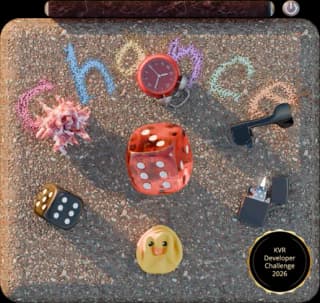 Chance
 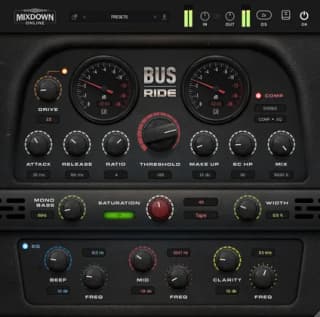 Bus Ride
 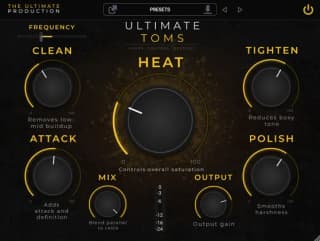 Ultimate Toms
 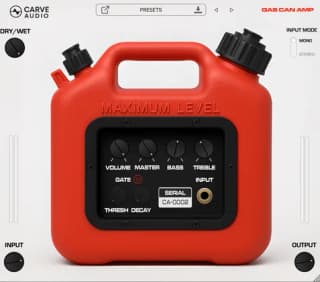 Gas Can Amp
 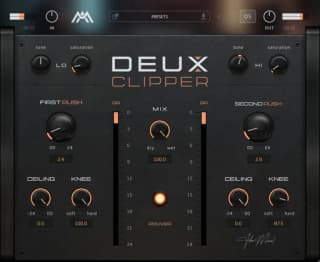 Deux Clipper
 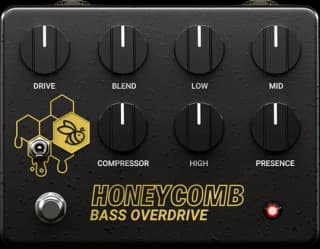 Honeycomb Bass OD
 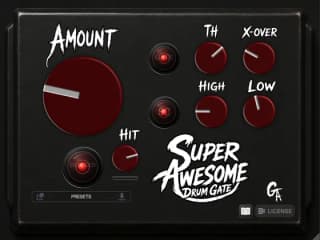 Super Awesome Drum Gate
 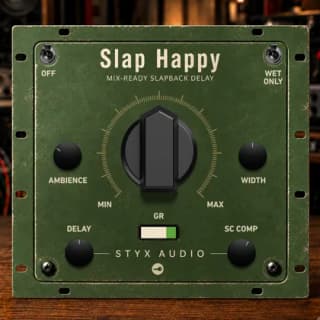 Slap Happy
 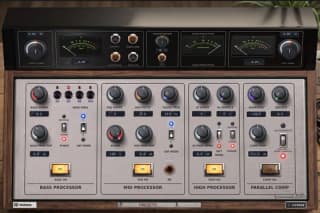 Timbral Box
 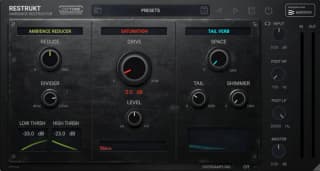 Restrukt
 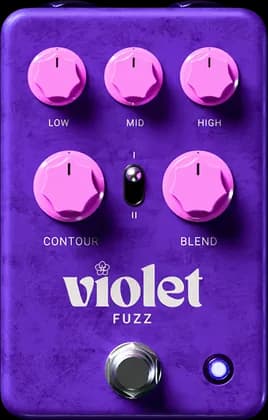 Violet Fuzz
 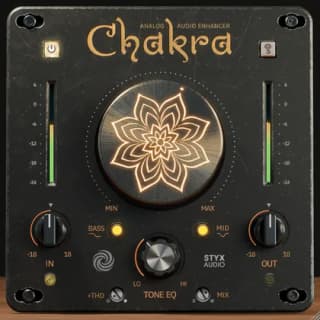 Chakra
 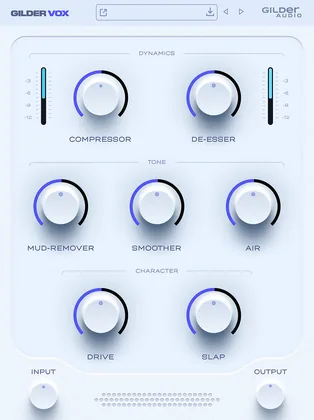 GilderVox
 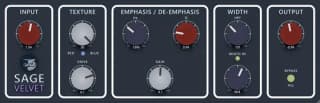 Sage Velvet
 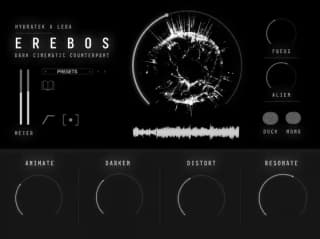 Erebos
 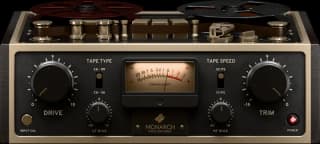 Monarch Tape Machine
 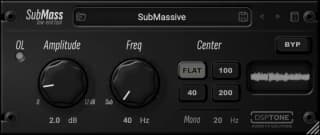 SubMass
 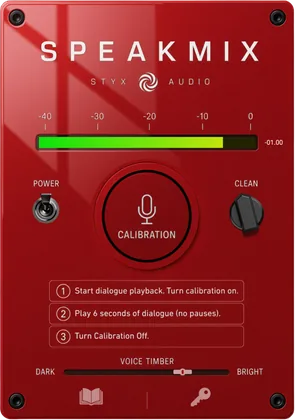 Speakmix
 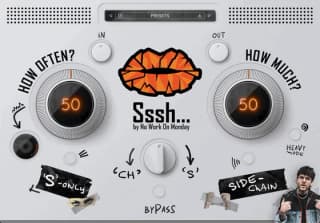 Sssh
Sssh 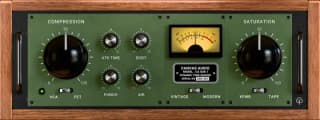 Oak Dynamic Tone Shaper
  Double Dare
  Portable Mono Speaker Check
 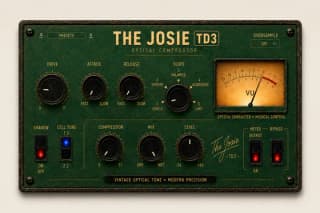 The Josie TD3
 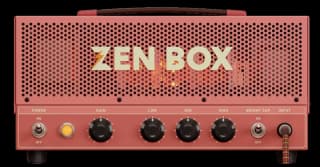 Zen Box
  Duel XT
 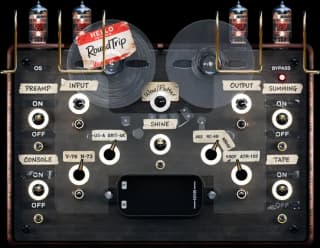 RoundTrip
 Romplur, HISE and all other product and company names are trademarks of their respective owners. Audioloom isn't affiliated with, endorsed by or sponsored by them. Information about other providers comes from their public pages and may have changed since the dates shown. Audioloom's revenue share and fees are set out in the creator agreement.
 Sage Audio
 Styx Audio
 Gelbertone Audio
 Maciel Audio
 Gilder Audio
 Tommee Profitt
 The Ultimate Production
 Canvas Audio
 No Work On Monday
 Tokyo Speirs
 Mixdown Online
 JVAL Audio
 Sonic Labs Audio