Chakra
MAKE EVERY TRACK FEEL FINISHED FASTER.
Chakra
MAKE EVERY TRACK FEEL FINISHED FASTER.
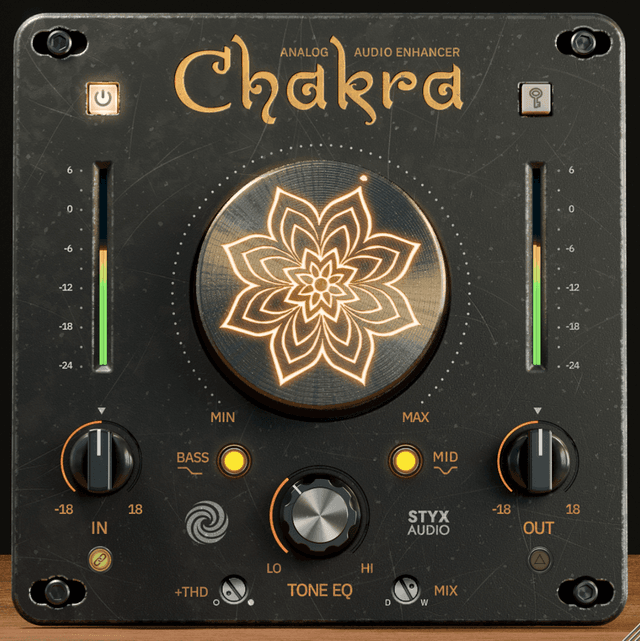
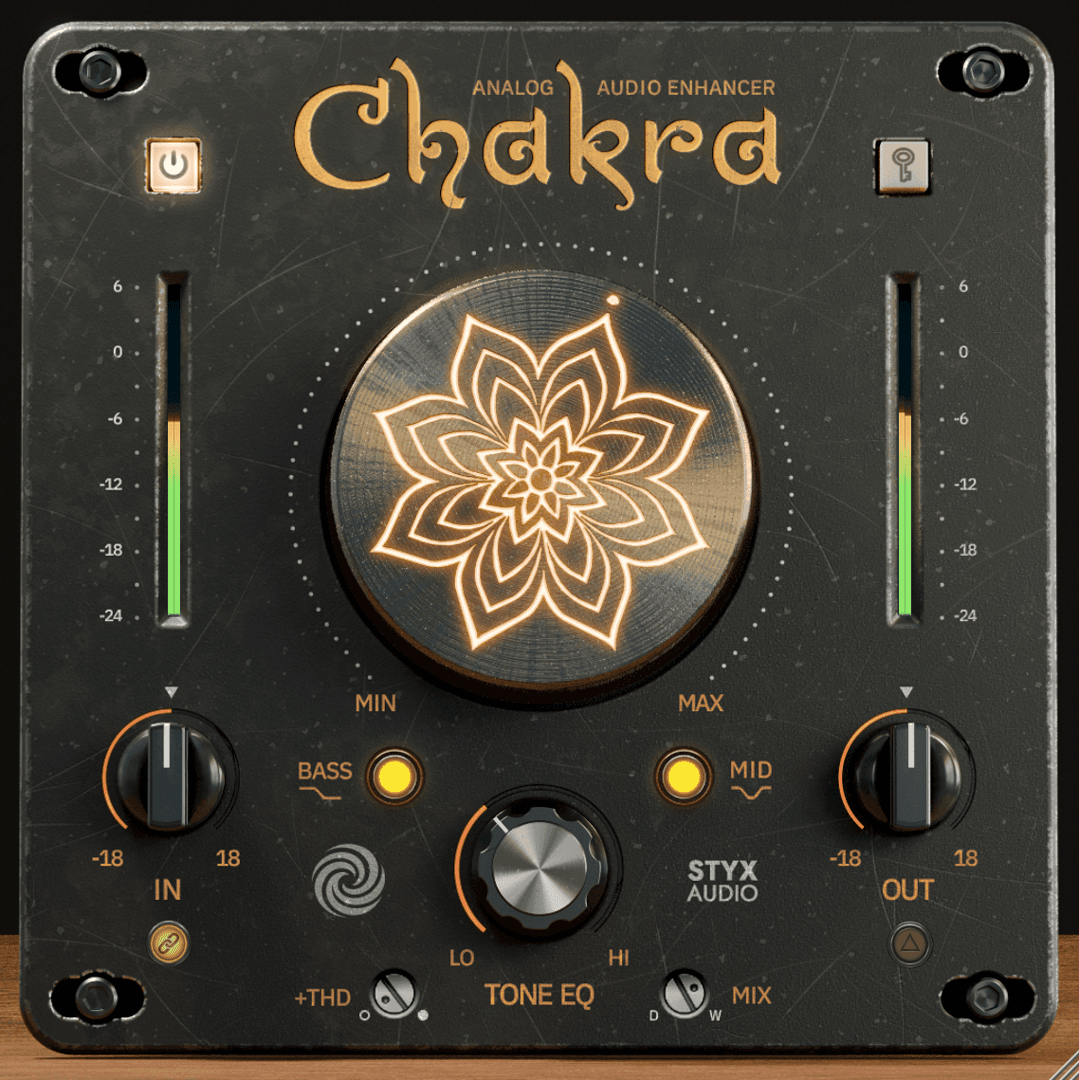
Chakra is a fast analog tone-shaping plugin for adding harmonic richness, weight, openness, density, and musical color. Use it on tracks, buses, or before the final limiter.

RICHER TONE IN ONE MOVE
Chakra is not just another saturator — it is a complete tone-shaping move for the moments a track feels flat, thin, dull, too clean, or too digital.
Turn one knob to add analog-style harmonic color and broad musical tone shaping. Use it subtly for polish, or push it harder for color. When you want the character without losing the original sound, blend it in parallel.
SEE HOW CHAKRA WORKS
A full walkthrough of the controls and workflow — and how harmonic richness makes a sound feel fuller, deeper, and more alive without simply making it louder.
THREE ANALOG COLORS, PERFECTLY BALANCED
Chakra blends three carefully tuned harmonic colors into one simple workflow.
Tube Harmonics adds warmth, weight, and smooth thickness. Console Harmonics adds density, forwardness, and mix-ready presence. Germanium Harmonics adds open, sweet top-end energy. The goal is not distortion. The goal is tone that feels more alive.

TWO MOVES. FAST RESULTS.
No menus. No separate modes. No complicated routing.
1. Add Harmonic Richness. Use the main Chakra knob to add carefully tuned harmonic color, density, and broad analog-style tone enhancement. 2. Shape The Tone. Use Tone EQ to move the sound warmer and smoother, or brighter and more open.
ONE PLUGIN, MANY WAYS TO USE IT
Chakra is much more than a basic saturator. A few of the ways engineers reach for it:
PURE SATURATOR Knob at 0, raise THD for clean harmonic color with no big tone shift. PARALLEL LOW-END Tone EQ to Low, blend with Mix for weight that keeps the punch. PARALLEL AIR Tone EQ to High, blend in shine and presence without going harsh. DRIVE IT HARDER Raise Input for more character. Output Link helps compensate the level, so you get more harmonic color without simply getting louder. DELTA MONITORING Hear exactly what Chakra adds, on its own. Delta is not available in ECO mode.
YEARS OF TUNING IN ONE KNOB
Not a saturator and an EQ — a tuned multiband, mid/side chain refined over years.
Inside, several saturators and equalizers work together, split across frequency zones and mid/side. The center stays solid while the sides open up, and each band gets the harmonic treatment it needs. It is not something you rebuild by hand in an afternoon. You turn one knob, get a musical result, and stay focused on the music.
GREAT TONE, THE SHORT WAY
Top engineers do not take the long road when a faster one gets them there.
With Chakra, you turn one knob for richer, more finished tone — then shape it as far as you want. Try it free for 14 days.
Sound Examples

I've used it on individual tracks where I tend to push it very hard, and on the master bus where it gives a nice width and bottom support.
John Hanes
16× GRAMMY-winning mix engineer — Adele, Taylor Swift, Bruno Mars, The Weeknd
AAX, AU, VST3 versions
64-bit only
Ableton Live 11+ (Mac & PC: AU, VST3)
Bitwig 4+ (Mac & PC: AU, VST3)
Cubase 13+ (Mac & PC: VST3)
Digital Performer 11+ (Mac & PC: AU, VST3)
FL Studio 23+ (Mac & PC: VST3)
Garageband 10+ (AU)
Logic Pro 10+ (AU)
Pro Tools 12+ (Mac & PC: AAX)
Presonus Studio One 5+ / Fender Studio (Mac & PC: AU, VST3)
Reaper 6+ (Mac & PC: VST3)
Cakewalk Next by BandLab (PC: VST3)
AAX is a trademark and software of Avid Technology. Audio Units is a trademark and software of Apple Inc. VST3 is a trademark and software of Steinberg Media Technologies GmbH.
AAX, VST3, AU versions included
64-bit only (Mac / PC)
Mac OS X 10.15 or higher (Intel native | ARM native)
Windows 10
At least 4GB of RAM, 16GB is recommended
At least 200MB of free drive space (OS drive)
Customer reviews
Own this product? Sign in to write a review
No reviews yet. Only people who bought this product can write one.
More from Styx Audio

by Styx Audio
Dirty, but mix-ready. Two complementary springs give this reverb a wide, lively stereo image, while tube and tape saturation add grit. Built-in ducking keeps it out of the way of the dry signal, and wet-only autopanning adds movement without extra routing. Turn Width to zero for classic mono.

by Styx Audio
Slap Happy delivers the classic slapback echo, tuned to sit in the mix from the first knob turn. Width opens the repeat into stereo, Ambience adds short reflections for a deep stereo image, and built-in sidechain compression ducks the echo while the dry signal is playing. The result is instant vintage depth — without clutter, mud, or endless tweaking.

by Styx Audio
A premium stereo hall reverb designed to sound right from the start. Instead of endless parameters, Hall of Fame gives you a simple, intuitive workflow with a carefully pre-shaped sound. Built-in saturation, compression, and resonance control let it sit effortlessly in the mix while preserving the attack and clarity of the source. The result is a rich, spacious hall reverb without harshness, mud, or endless tweaking.
by Styx Audio
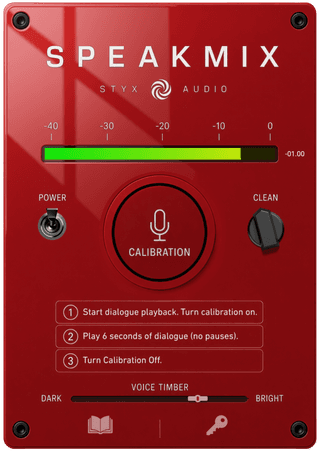
SpeakMix is a one-click voice processor for narration - podcasts, YouTube, voice-overs and video editing. It balances the tone of a spoken recording, adds gentle de-essing and light saturation, and sets a consistent loudness of -16 LUFS. A built-in limiter at -1 dB keeps the output from clipping. Two controls shape the result: the Voice Timber slider (darker < brighter) and the CLEAN knob, which tames room reverb and background noise.
Similar products
by Canvas Audio
Subtec is a low-end equalizer designed around the classic boost-and-attenuate trick. It adds punch, focus, and weight to your bass frequencies without the mud.
by Canvas Audio
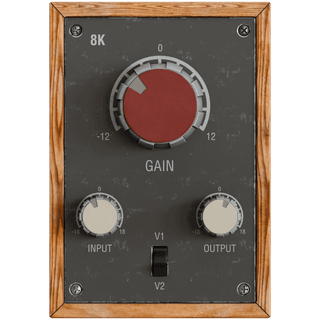
The definitive sound of hits, 8K is that magical frequency heard on everything from drum shells, to vocals, even guitar tracks. Crank it up and hear the real magic!
by DSPTone
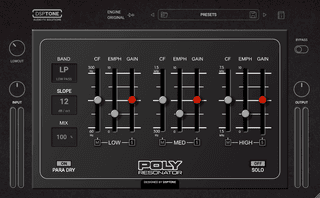
Resonance as a tonal sculptor is a spectral shaping — decades before the term became common. The resonator emphasized carefully chosen bands, creating vowel-like formants, animated timbres, and shimmering harmonic structures that felt almost acoustic.