Bleed Box
Less Cymbals. More Punch.
Bleed Box
Less Cymbals. More Punch.
Turn bleed-heavy drum tracks into clean, punchy, mix-ready drums in seconds without sacrificing their natural sustain and character.
Cut The Bleed Keep the hit
Dampen drum bleed the way isolation pads would in the room, without the choppy gate sound
Get cleaner drum mics without losing the natural sound
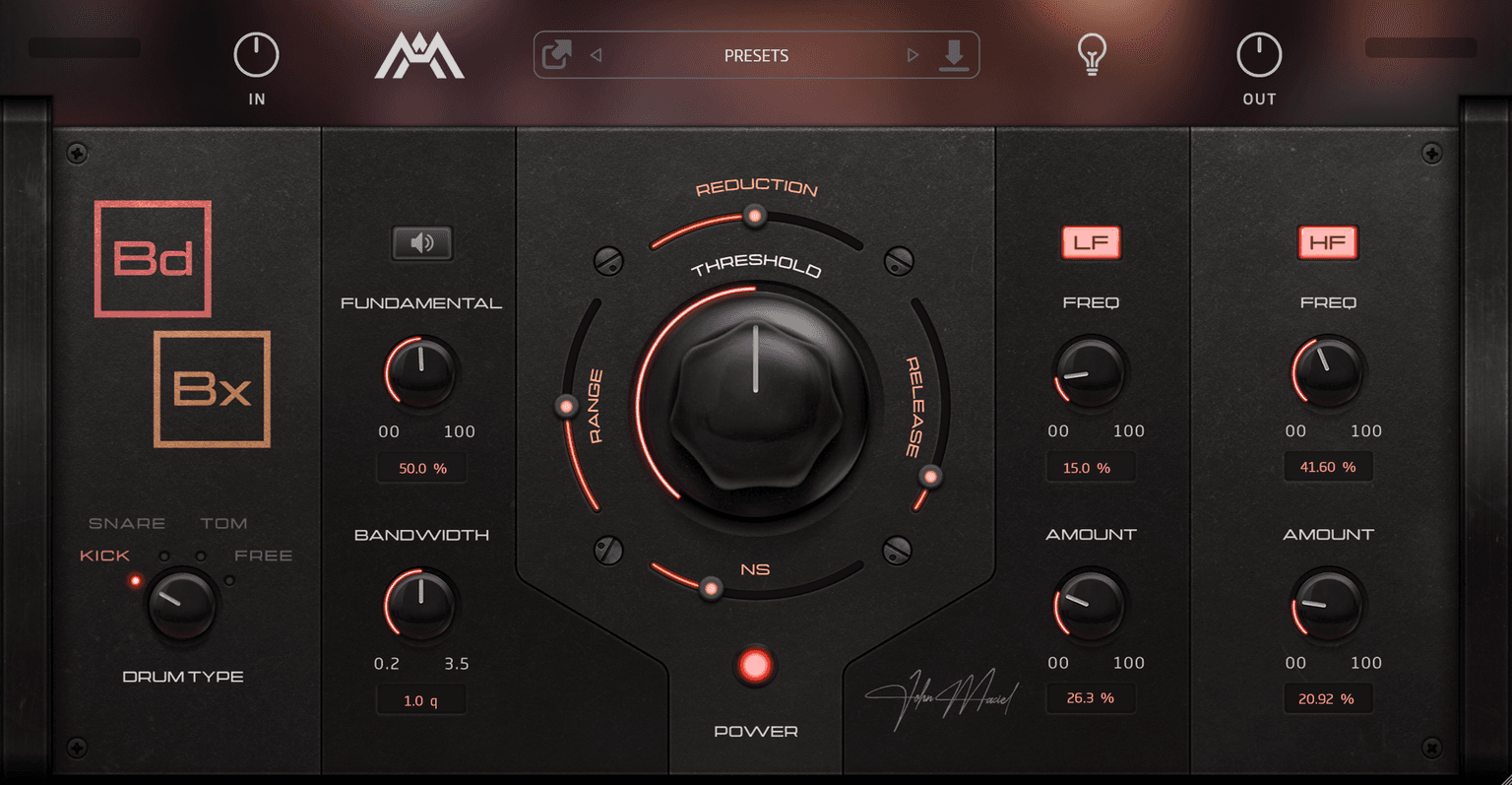
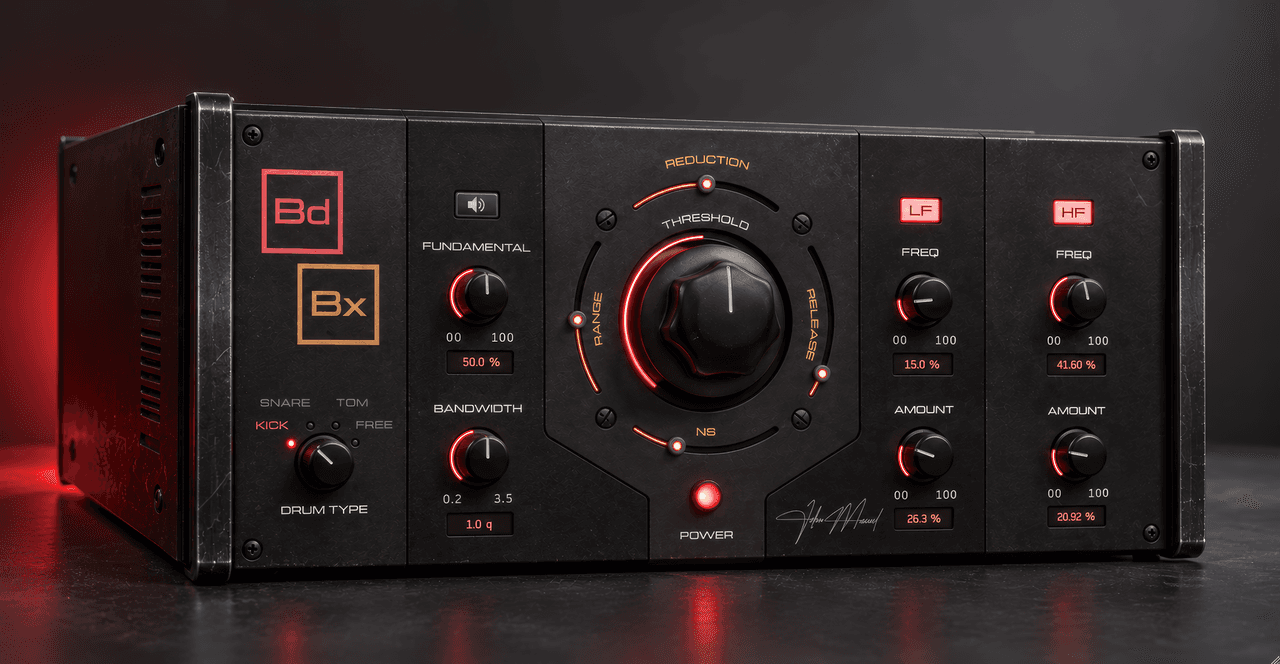
Bleed Box turns down the bleed on your kick, snare and tom mics the way an engineer would with isolation pads in the room. Your drums stay punchy and natural, and your compressors have less to fight. Natural dampening Bleed Box turns the bleed down instead of chopping it off, so each shell keeps its decay and the kit still sounds like one kit. Drum-specific detection Pick Kick, Snare or Tom, and Bleed Box listens with a detector tuned to that drum. Free mode opens up the full range. Keep the sustain you want Bandwidth decides how much ring counts as drum and how much counts as bleed. Boomy toms tighten up, and open snares stay open. Built-in recovery Subtle LF and HF recovery bring back the low end and top that gating can take away, without reaching for another EQ.. Left-to-right workflow The controls run left to right like a rack unit, so by the time you reach the right side, you’re done.
Why Gates Make Drums Sound Choppy
Gates open and close. On real drums, that can leave your shells choppy, transient-heavy and disconnected from the rest of the kit. Then a fill hits that the gate wasn’t set for, and you’re back to fighting it, even with MIDI triggering. Some bleed is what makes a kit sound like a kit. Bleed Box dampens it the way an engineer would with isolation pads or gels in the room, so your drums stay natural and keep their punch.
Tell Bleed Box What to Listen For
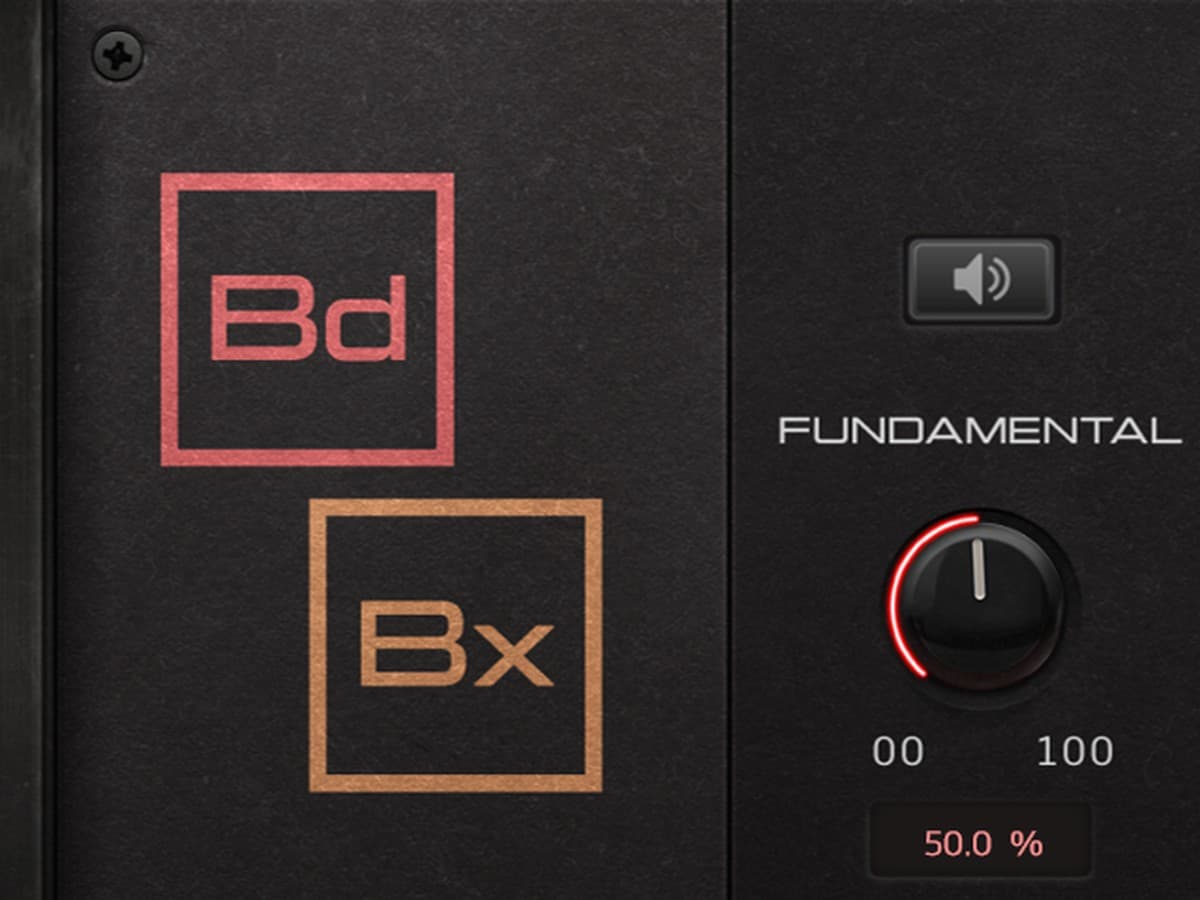
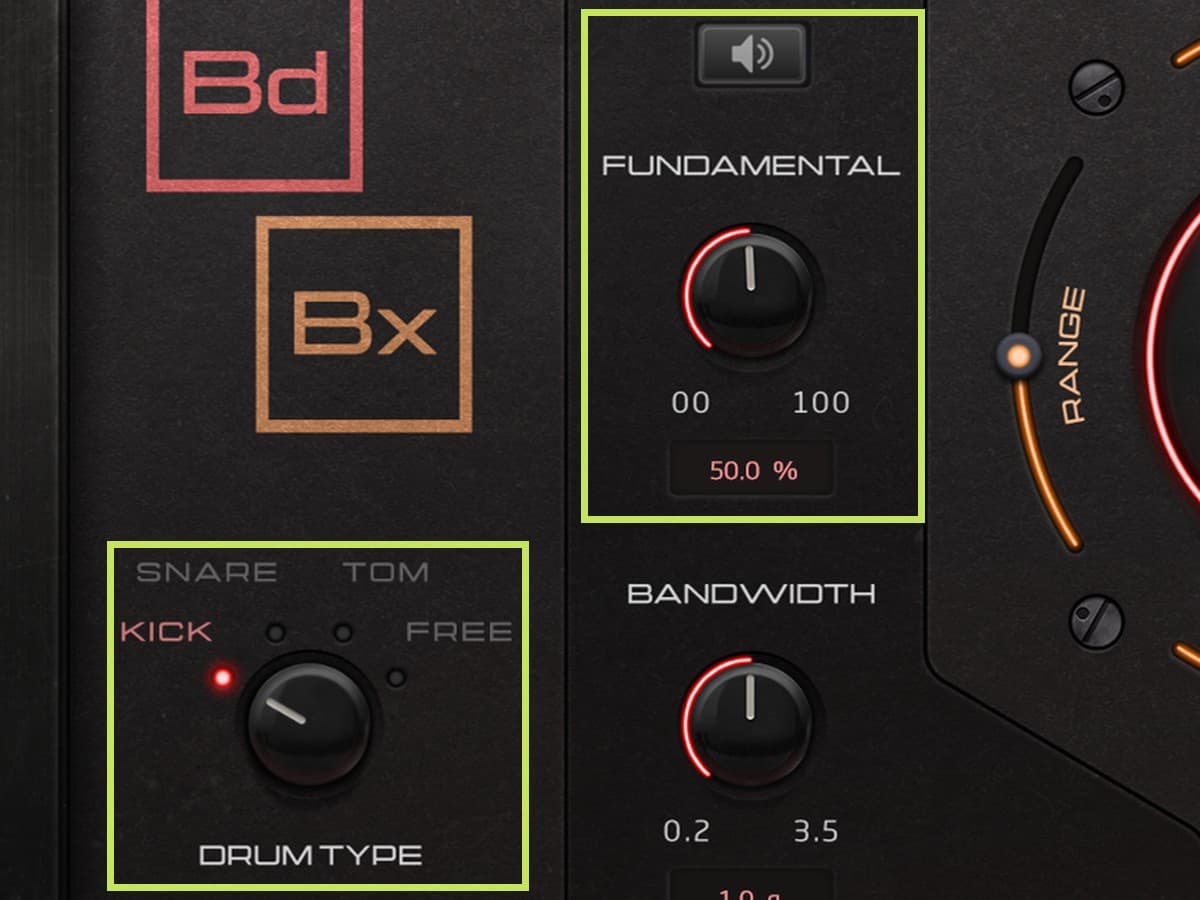
Pick Kick, Snare or Tom, and Bleed Box gives its detector a range tuned to the usual tuning of that drum. Start in the center, move left for lower-tuned drums and right for higher ones, or choose Free for the full range. Then sweep Fundamental with the Listen button on to hear exactly what the detector hears. Once it locks onto the drum, turn Listen off and mix.
Keep the Sustain You Actually Want
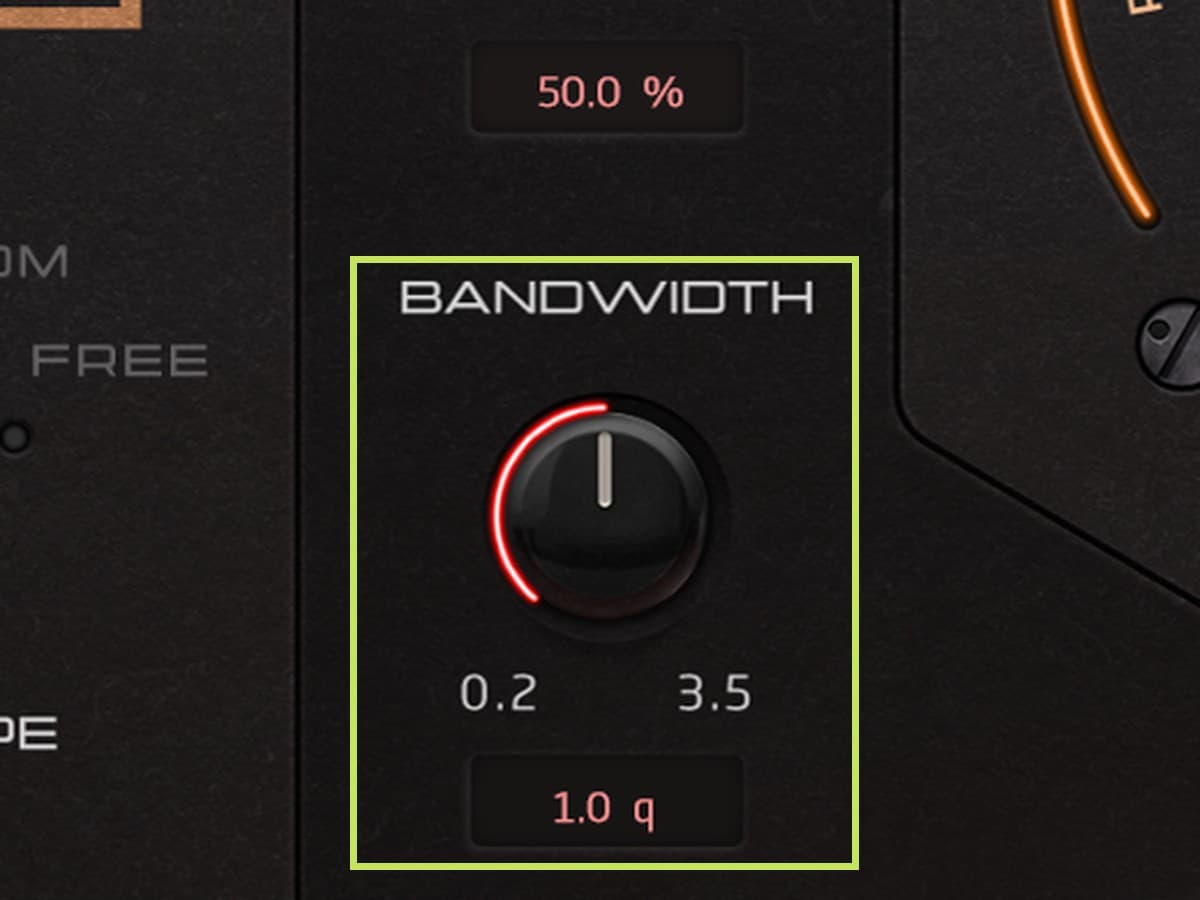
Some drums ring for a reason. If Bleed Box is treating that sustain as bleed, move Bandwidth left to open the detector so it reads the ring as part of the drum. Move it right to tighten the detector and trim more sustain. On boomy toms that already get plenty of low end from the overheads, that cleans things up fast.
Set How Much Bleed Comes Out
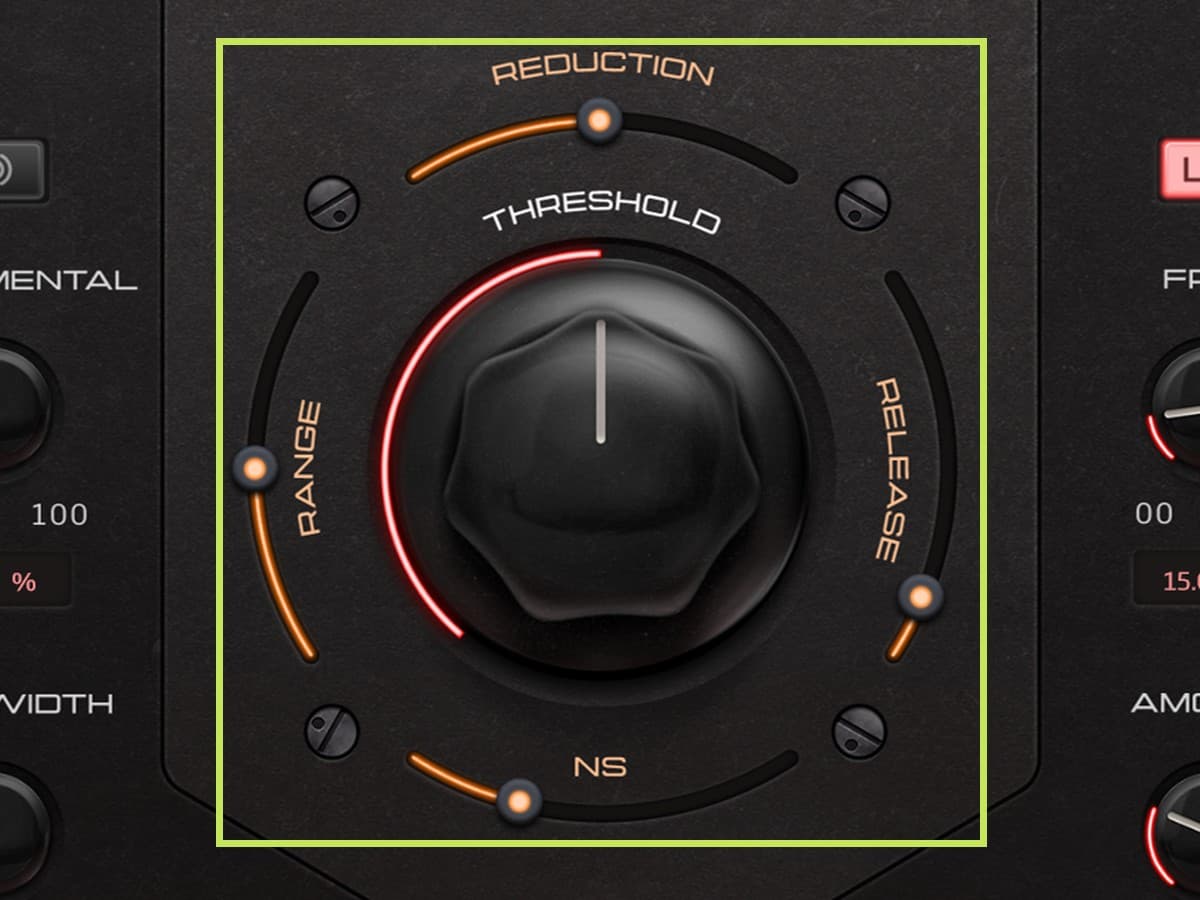
Threshold sets the character, from a harder, more dramatic effect on the left to a more natural sound on the right. Reduction sets how far the bleed is turned down, and it works best kept conservative. Range controls the high-end bleed, Release lets the drum decay longer when it sounds cut short, and NS clears background noise. A little NS goes a long way.
Fine-Tune With the Hidden Screws
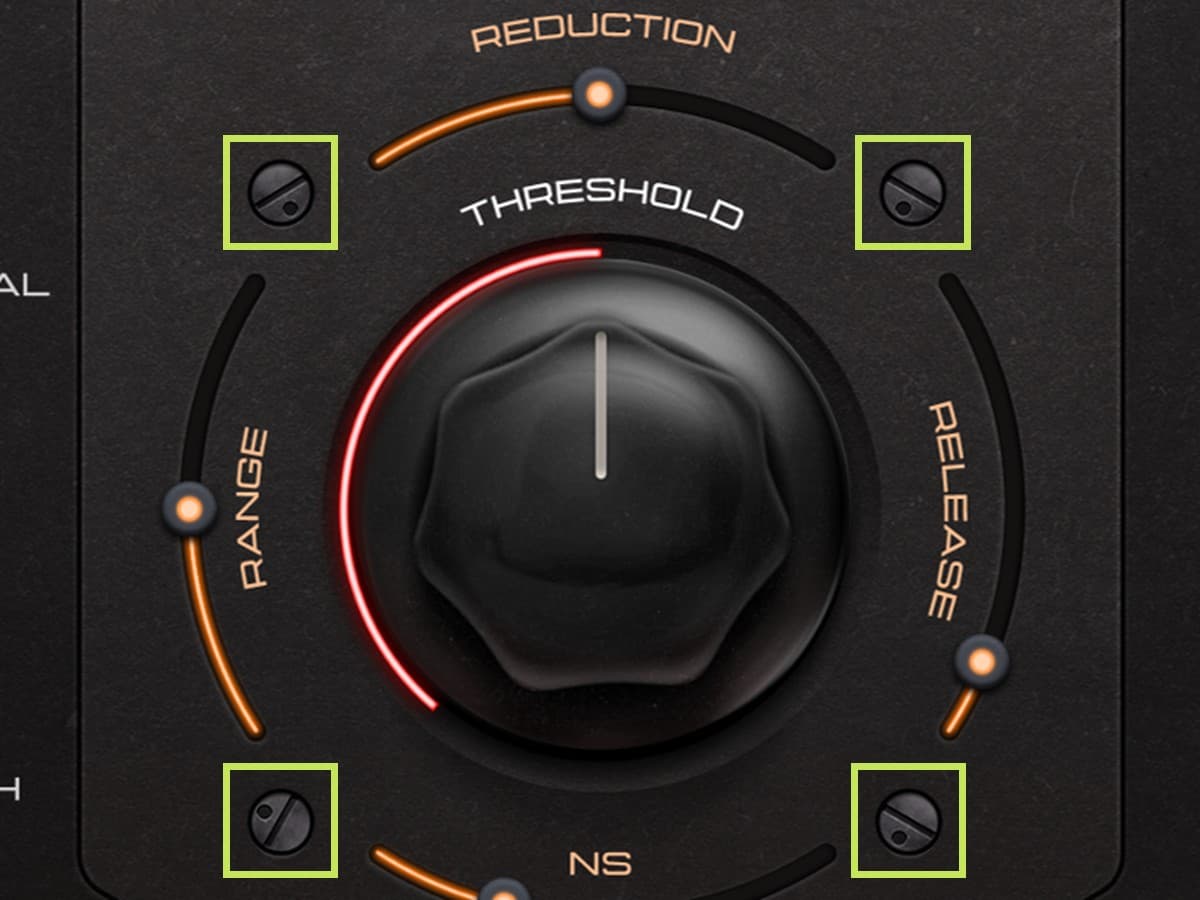
The four screws on the faceplate are controls. Hold sets how long Bleed Box stays open. Lookahead defaults to 3 ms, and you can set it to 0 on slower drum parts to remove the latency. Attack is there for intricate, progressive parts and ghost notes. The detector screw rounds out hits that still sound too pokey.
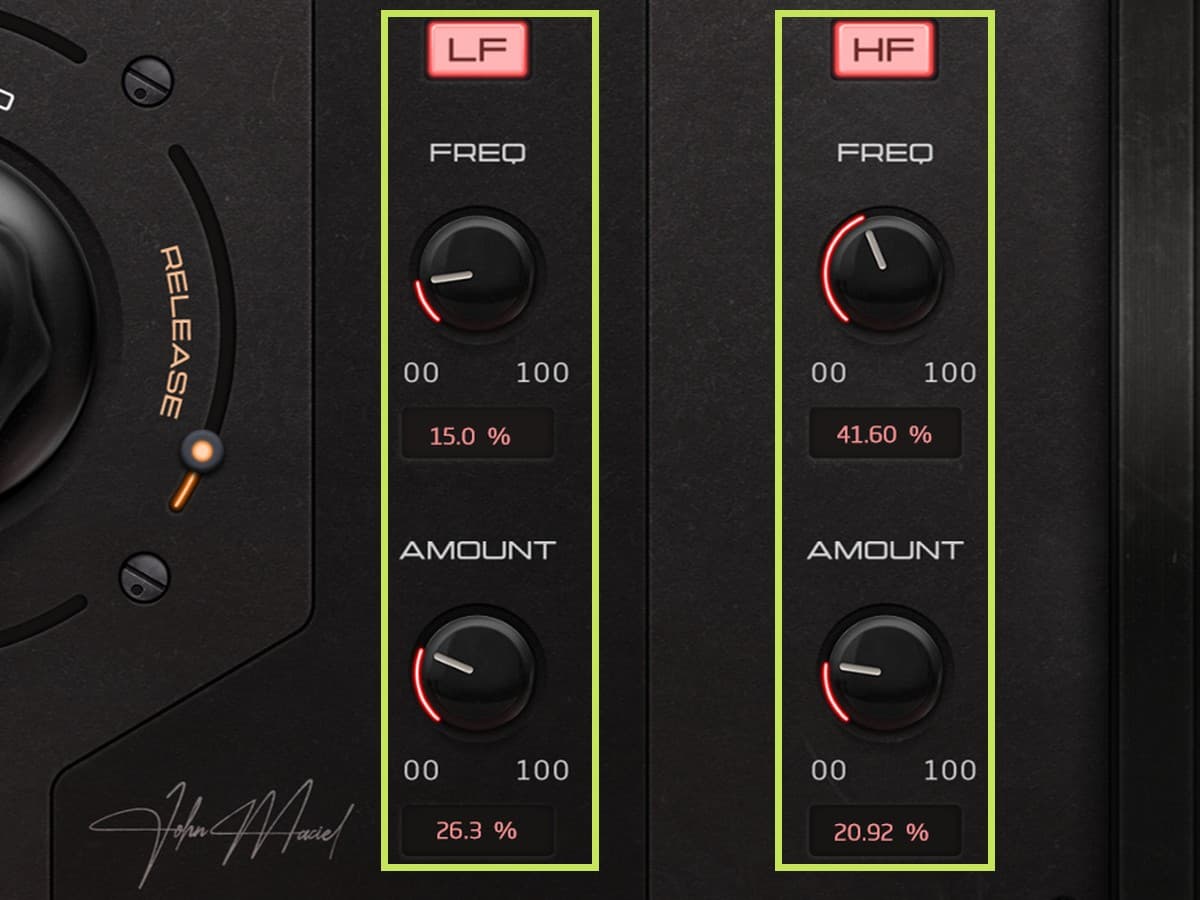
Get Back the Low End and Top Gating Takes Away
Gating can cost you some low end and some top. Instead of adding another EQ, Bleed Box has subtle LF and HF Recovery built in, with a curve you’ll probably recognize. Set the amount, then sweep the frequency to find the sweet spot. It’s subtle on purpose, and a little goes a long way.
AAX, AU, VST3 versions
64-bit only
Ableton Live 11+ (Mac & PC: AU, VST3)
Bitwig 4+ (Mac & PC: AU, VST3)
Cubase 13+ (Mac & PC: VST3)
Digital Performer 11+ (Mac & PC: AU, VST3)
FL Studio 23+ (Mac & PC: VST3)
Garageband 10+ (AU)
Logic Pro 10+ (AU)
Pro Tools 12+ (Mac & PC: AAX)
Presonus Studio One 5+ / Fender Studio (Mac & PC: AU, VST3)
Reaper 6+ (Mac & PC: VST3)
Cakewalk Next by BandLab (PC: VST3)
AAX is a trademark and software of Avid Technology. Audio Units is a trademark and software of Apple Inc. VST3 is a trademark and software of Steinberg Media Technologies GmbH.
AAX, VST3, AU versions included
64-bit only (Mac / PC)
Mac OS X 10.15 or higher (Intel native | ARM native)
Windows 10
At least 4GB of RAM, 16GB is recommended
At least 200MB of free drive space (OS drive)
Customer reviews
Own this product? Sign in to write a review
No reviews yet. Only people who bought this product can write one.
More from Maciel Audio
by Maciel Audio
VxBx combines the essential processing needed to clean, control, and push vocals home recorded vocals forward, giving you bigger, more aggressive vocals without building a complicated plugin chain.

by Maciel Audio
Today’s most competitive productions demand more than basic clipping. Deux Clipper brings the evolved clipping workflow pro engineers use to cheat more punch, perceived loudness, and aggression into one simple tool for harder-hitting tracks.
Similar products
by Gilder Audio
What if you could dial in a killer vocal tone in a matter of seconds? GilderVox takes the guesswork out of mixing vocals. (It's hard to make this thing sound bad.)
by Sage Audio
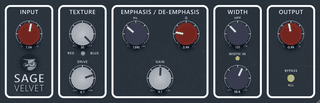
Sage Velvet may be the first plugin to fully capture the nuances of Analog Equipment. Full of detail and nonlinearities, Sage Velvet is a near-perfect recreation of the hardware that inspired it.

by JVAL Audio
Effortlessly add more punch, energy, and consistency to your kick drums.
by Mixdown Online
A complete sonic finisher for your instrument buses and master channel. Analog drive, precise compression, and a musical EQ in one intuitive plugin. From subtle glue to aggressive energy, get your mixes sounding huge, fast.